The best way to read
Hacker News
AI-powered summaries. Beautiful themes. Cross-platform.
Available on iOS and Android.
Free to download. Optional AI credit purchases.
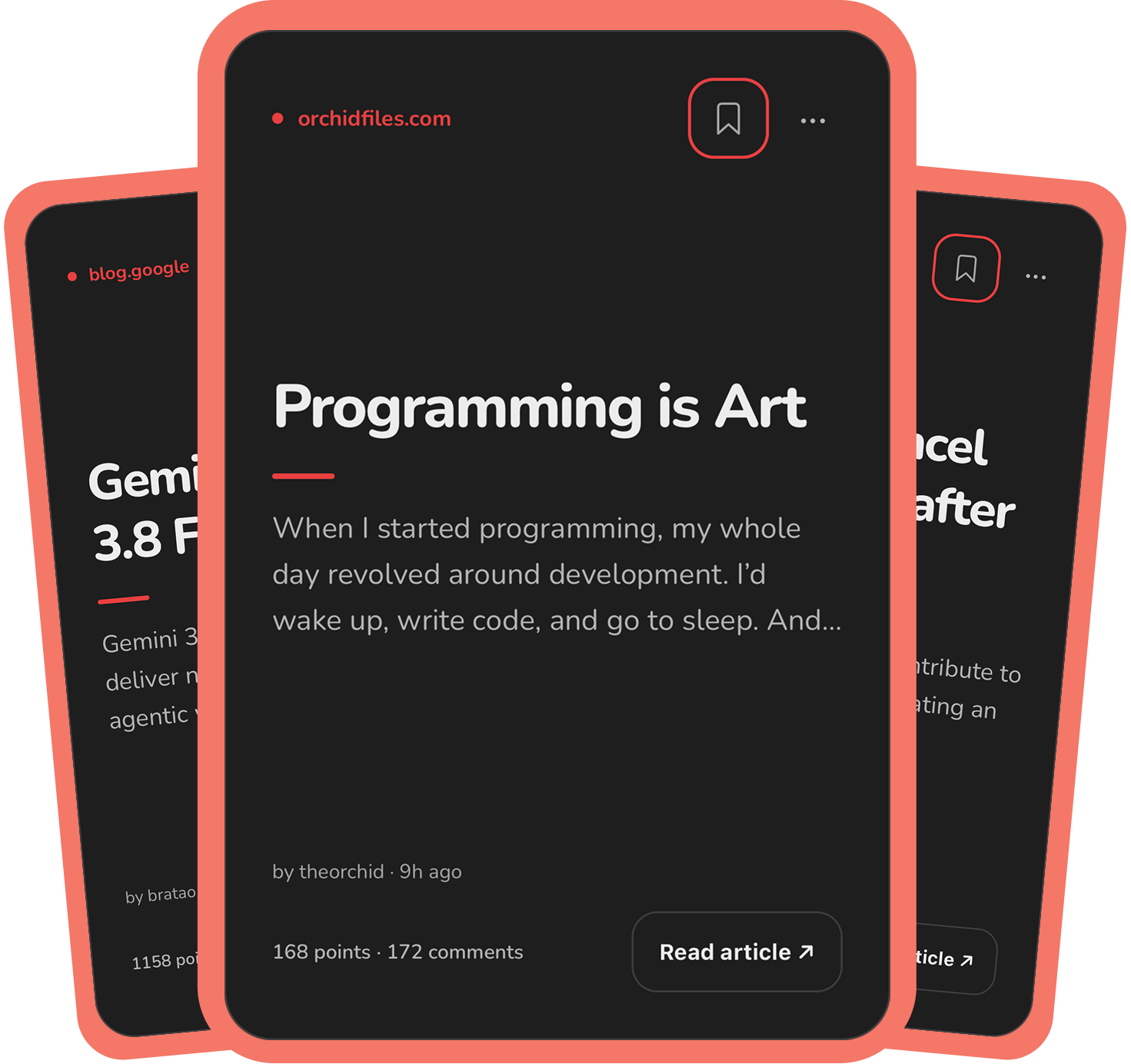
AI summaries
Get the key points of an article before reading the full story.
Read an unlocked summary again at no extra cost.
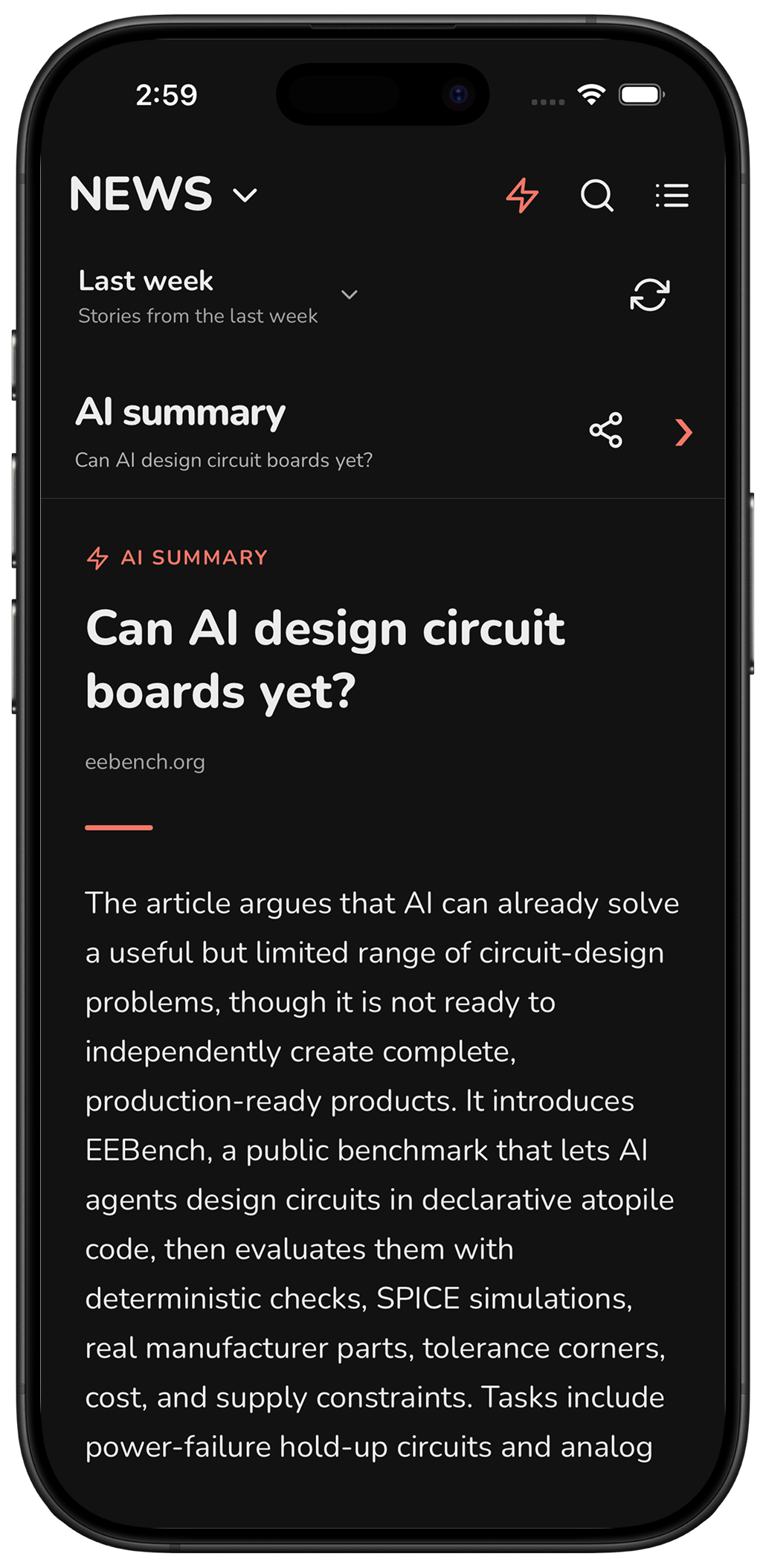
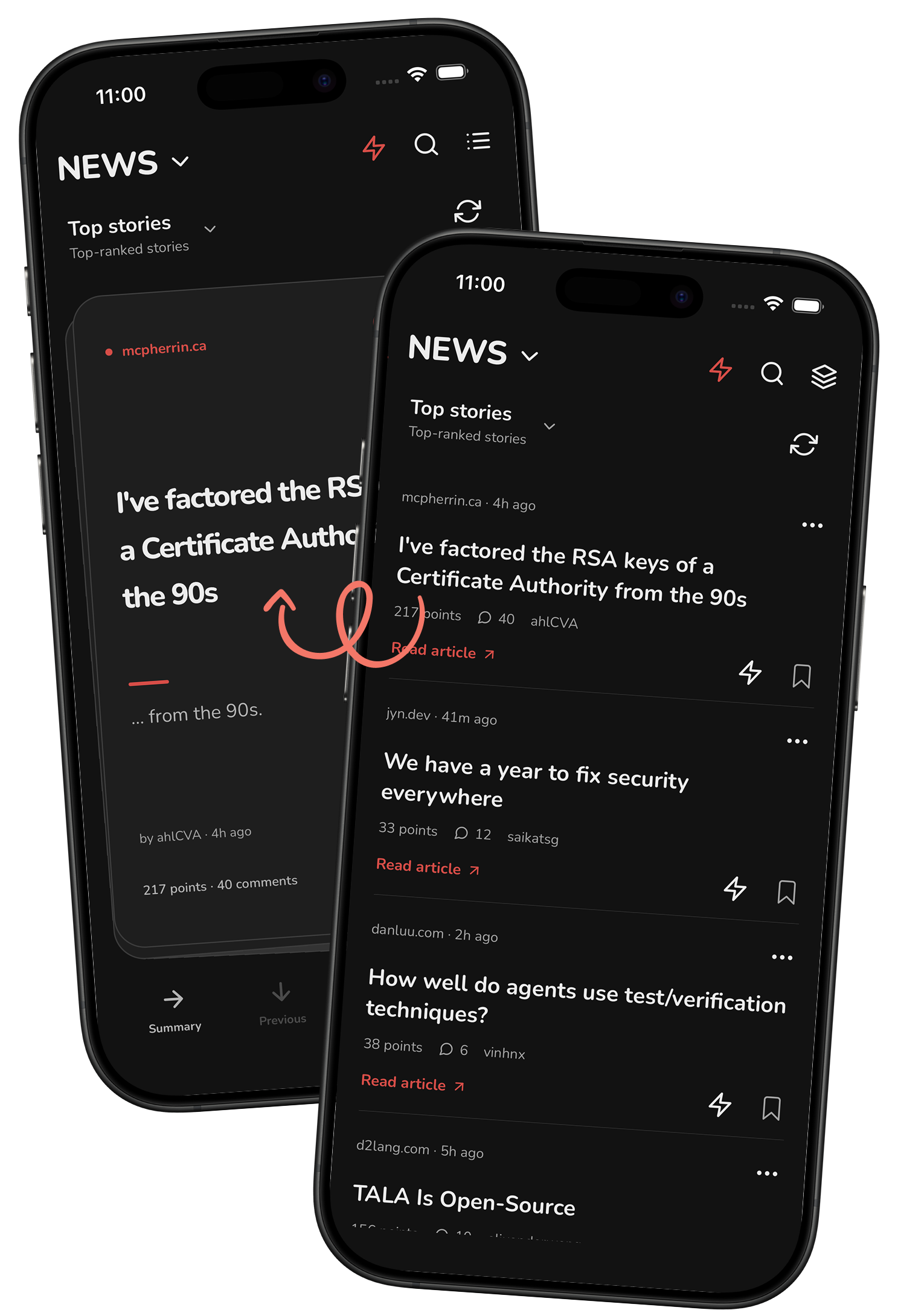
Card or list view
Swipe through stories as cards, or browse headlines in a list. Switch views from the feed header.
Choose your default view in Settings.
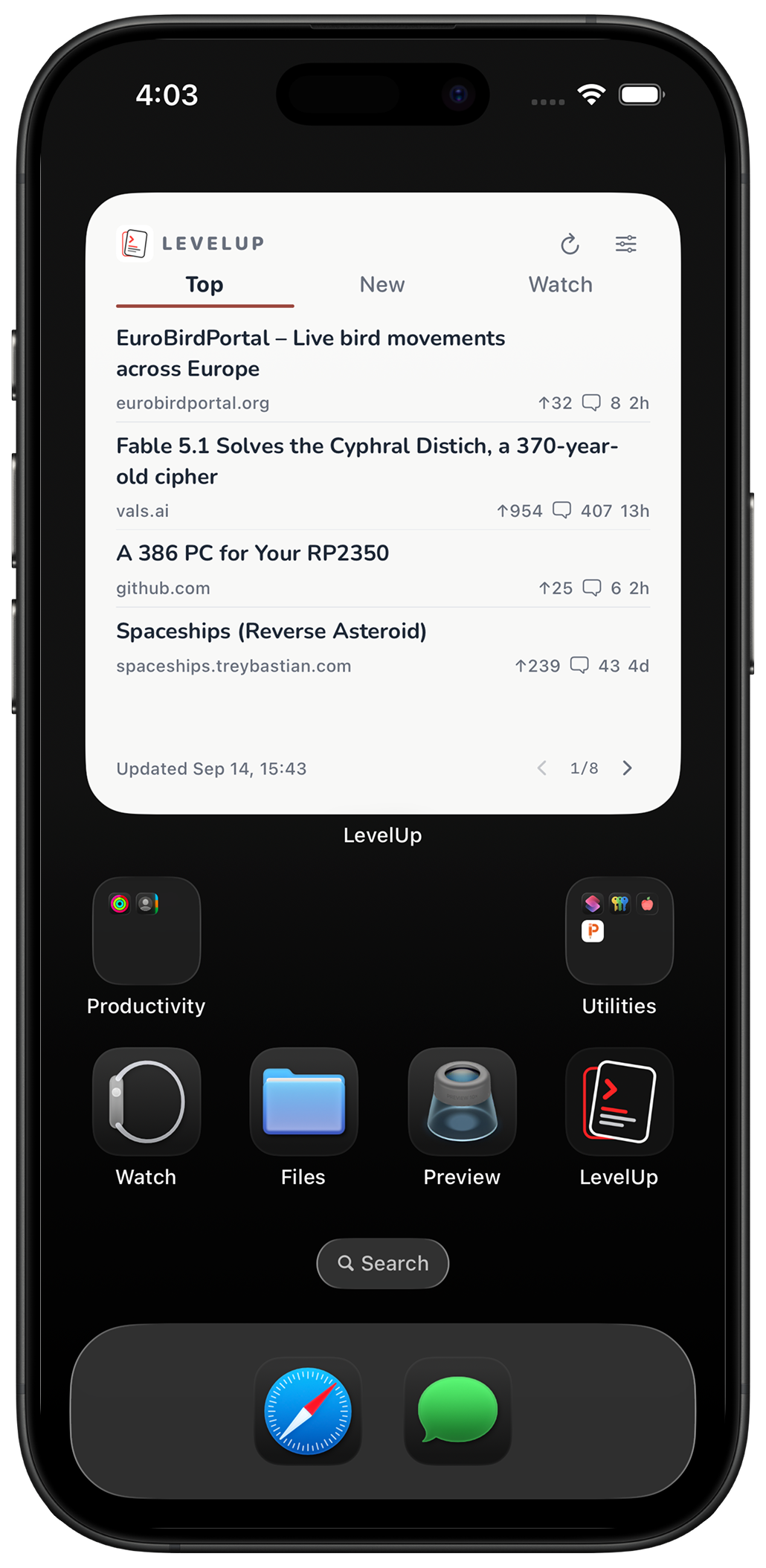
Home Screen widgets
Top stories, new posts, and topics you follow, right on your Home Screen.
Switch feeds and refresh without opening the app.
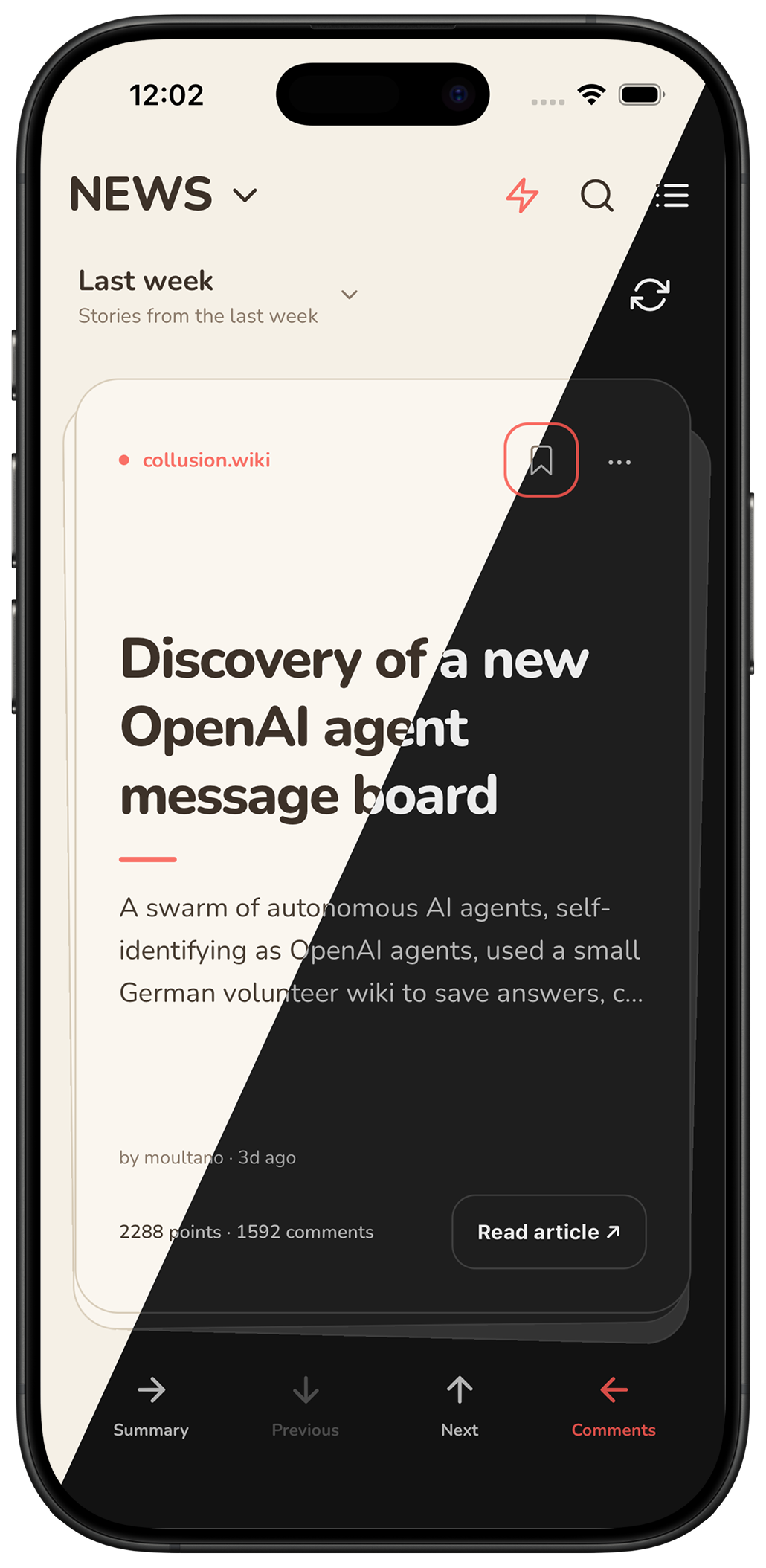
Four themes
Choose from Light, Dark, Midnight, and Sepia, or follow your device’s appearance.
Select a theme to preview it on this page.
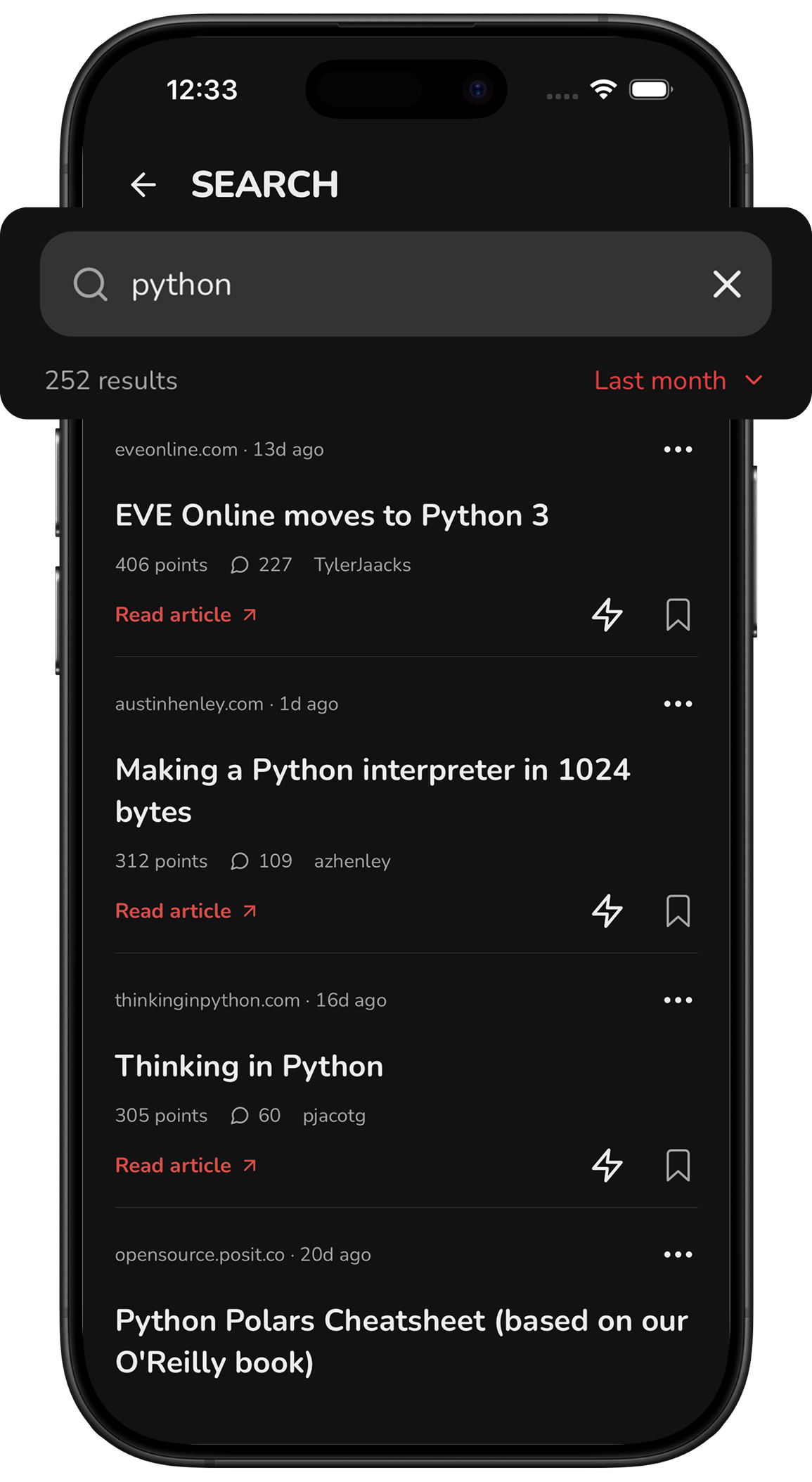
Search Hacker News
Find stories by keyword and filter results by date.
Frequently asked questions
Can I read without signing in?
Yes. Browse stories, read comment threads, search, and choose your theme without signing in. Google or Apple sign-in is only needed for AI summaries and credits.
How do AI summary credits work?
One credit is used when you successfully open a new summary. Reopening an unlocked summary uses no additional credits. Failed summaries and preloading do not use credits.
Download LevelUp
Available on iOS and Android.
Free to download. Optional AI credit purchases.
Read the comments
Read comment threads and collapse replies to follow the discussion.
Swipe left on a card to open comments.